
 Welcome
 Start with Ideoz
 Ideoz AI
 Smart Wireframe
 Proto Personas
 Interview questions
 Problem statement
 Survey Questions
 Translate your work
 Export design easy
 Errors definitions
 Best practices
 Create wireframes using AI
 Export Responsive design
 Export Non-responsive design
 Translate your work
Translate your work
In this article, we’ll show you how localize your work from language to another language.
Step 1
Click on Translate your work option

- Once you land on the home page of Ideoz, you will see different actions that you can do in Ideoz. Click on “Translate your work” button.
Step 2
Select the language that you want to export to
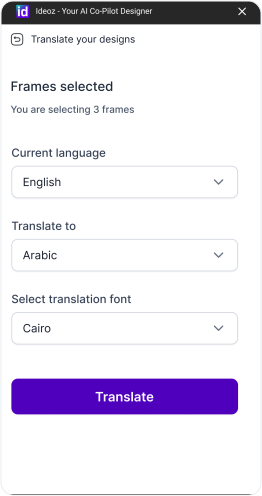
- Choose the language you want to localize your designs to, then choose from the available fonts that can be used for this language.
Step 3
Preparing your work
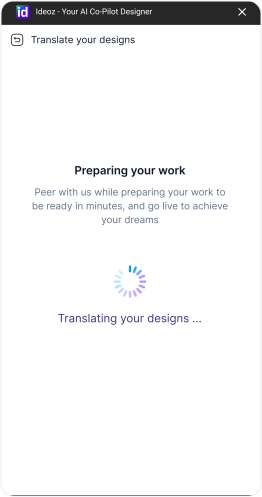
- That’s it, we will generate the new frames with the new language and fonts and all set. 🚀
Did you find this helpful?
Build with  by ideoz