Google Drive
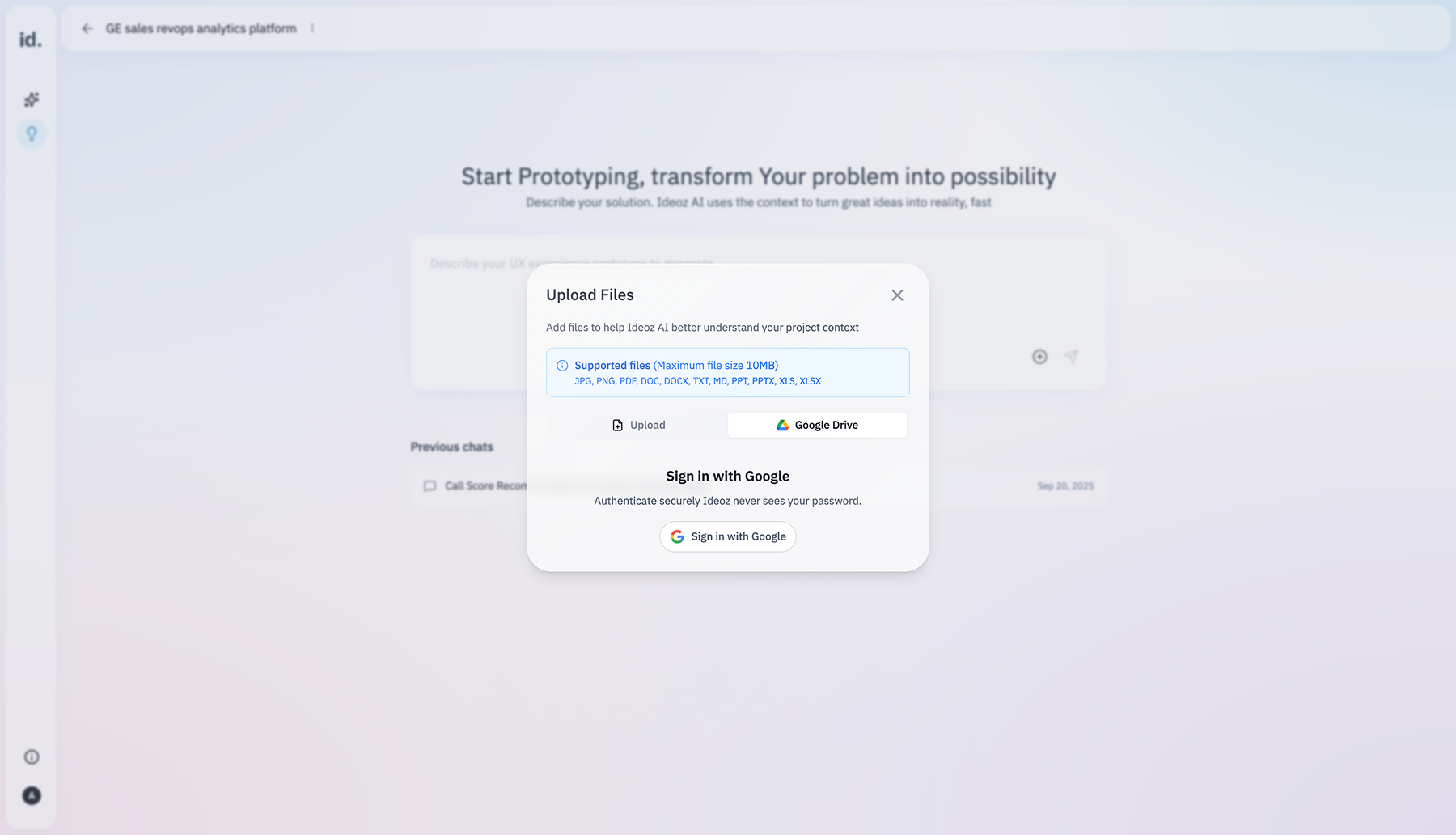
Ideoz integrates with Google Drive to let you select files directly from your Drive and use them as part of your project context. Once a file is selected, Ideoz keeps it automatically in sync, so updates in your Drive are reflected without any extra work.
If you want to add new files later, they must be added through Upload Files → Google Drive tab. This ensures you stay in control of what Ideoz can access, while keeping your project context accurate, up to date, and easy to manage.