Documentation

Welcome to Ideoz documentation

Design Insights

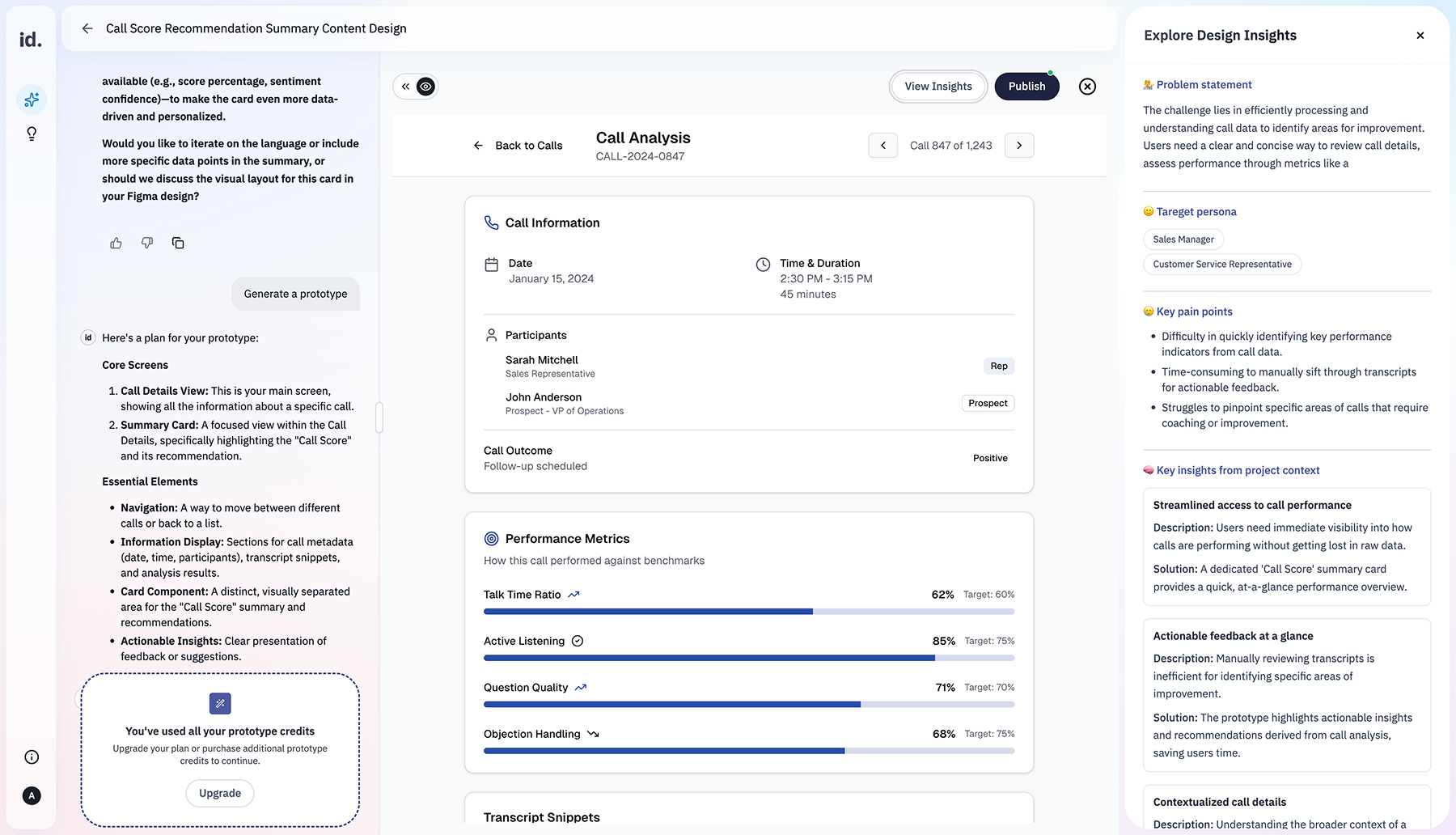
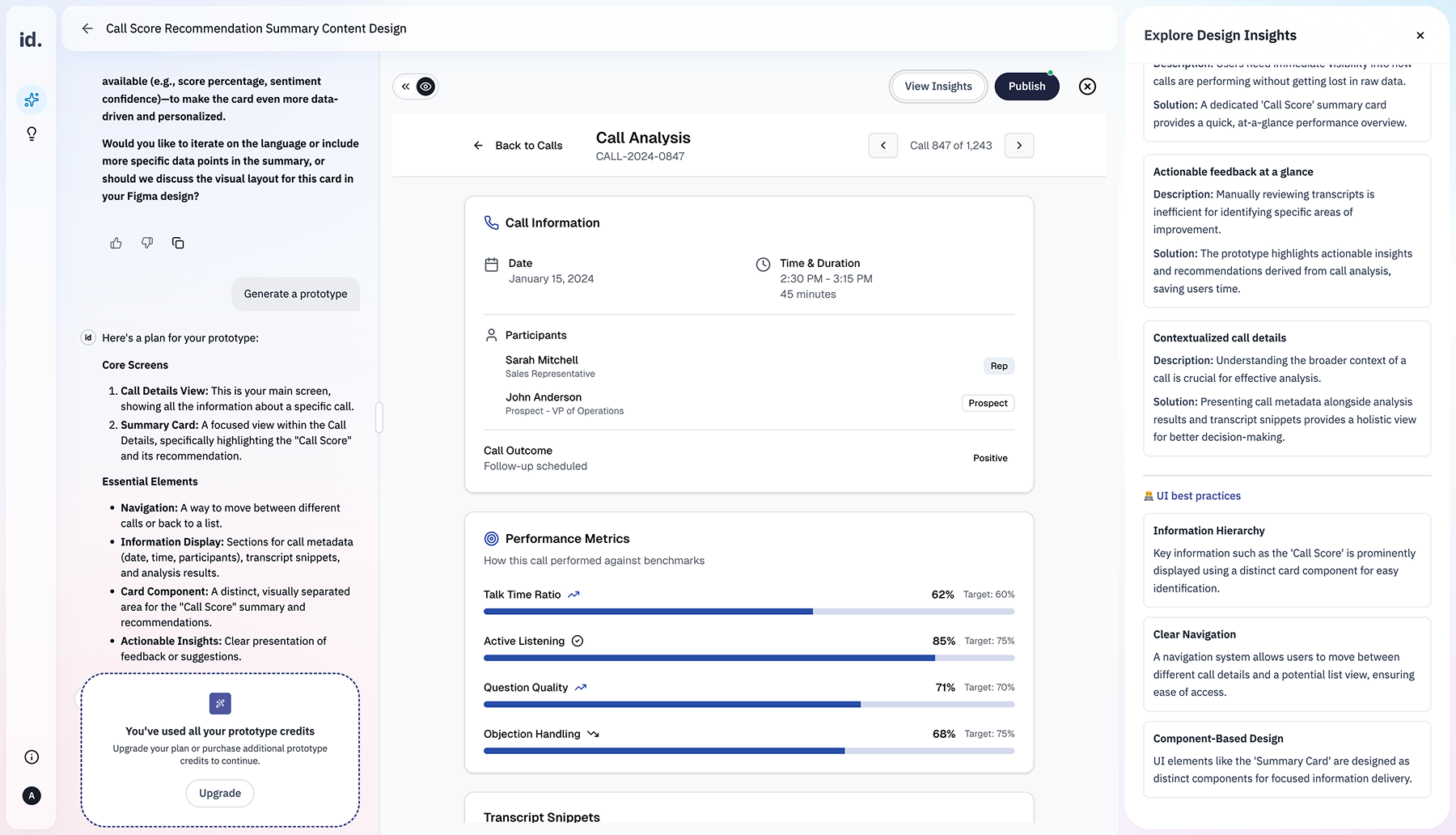
Design Insights help you understand why a prototype works, not just what it looks like. When you open Design Insights, you’re stepping back from the prototype to reflect on how it addresses the problem you’re working on from both UX and UI perspectives. This is where exploration turns into understanding.

Why Design Insights exist

Prototypes can look convincing even when they solve the wrong problem. Design Insights exist to slow that moment down. 

They help you: 

  1. Evaluate how the prototype maps to user needs and pain points 
  2. Understand the reasoning behind layout, flow, and interaction choices 
  3. Surface assumptions embedded in the design 
  4. Spot UX and UI risks early

UX perspective: how the experience supports users

From a UX point of view, Design Insights help you understand: 
  • Whether the flow aligns with user goals and pains
  • How friction is reduced at key moments 
  • Where users might hesitate or get confused 
  • How decisions and actions are sequenced

UI perspective: how visual choices support clarity


From a UI point of view, Design Insights examine: 

  • Visual hierarchy and emphasis 
  • Clarity of actions and feedback 
  • Consistency and predictability 
  • How visual choices support understanding 

The goal is not to judge visual style but to assess whether the interface helps users make sense of the experience.