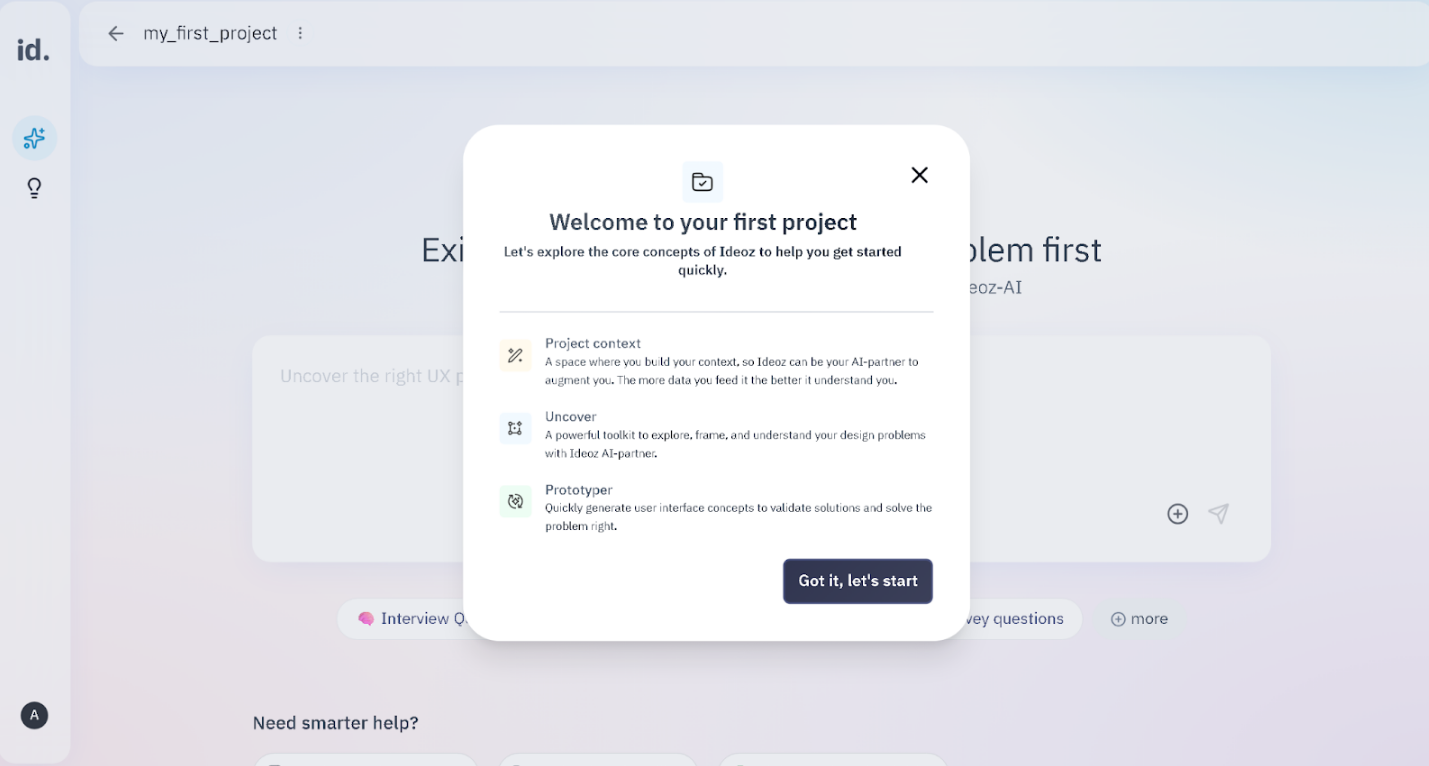
Start by giving your project a clear, descriptive name, that way, you can easily recognize and return to your work later, especially if you’re managing multiple projects.
Your project scope describes what you’re working on, where you want Ideoz to focus and not to focus to prevent generic answers and allow it to tailor insights and ideas specifically to your challenge.
Here you describe who you’re designing for, this might include user types or personas,
key needs, pain points, goals, etc.
By understanding your users, ideoz can generate ideas, flows, and insights that are
grounded in real users need not abstract best practices.
Specifying the industry you work in, helps Ideoz frame its thinking within the right domain context (i.e. fintech, healthcare, education, etc.). This allows Ideoz to adapt its language and recommendations to what fits your industry’s norms, constraints and expectations so that the results you get are realistic and relevant
Tell ideoz the role you’re playing in this project, for example:
Specifying your role helps Ideoz tailor its guidance to match your day-to-day needs
This is where you shape Ideoz’ behavior and personality. You can define whether you want it to act as a professional UX Researcher to guide through your thinking process or as a strategic thinking partner that asks challenging questions so you can explore different aspects of your idea. By specifying this, you set expectations for how Ideoz is to collaborate with you so that you have full control over your working dynamic in a way that fits your style.
Each project in Ideoz can have its own design system. Ideoz uses it when generating UI concepts, components, and prototypes, ensuring outputs align with your brand identity instead of using generic styles. You can define:
You can add or update it at any time to make sure generated designs stay consistent with your brand.
Once your project is created, every chat, upload and feedback continues to enrich your project context. And you can always update these details as things change
You can update your project details anytime, this includes all the details you initially added in the very beginning bc as your understanding of the problem changes, updating your project context ensures ideoz stays aligned with your latest thinking and continues to generate relevant outputs.
You can upload files directly into your project such as:
These remain part of your project;its long-term memory which affects all of Ideoz’s current and future conversations.
You can connect your project to the google drive folder that has your files, designs and documentation so that you don’t have to manually upload them, and they remain part of your project’s long-term memory which affects all of Ideoz’s current and future conversations.
If a project is no longer needed, you can delete it anytime, however keep in mind that this permanently removes everything related to it from both ends; yours and ours and that this actions cant be undone.
